

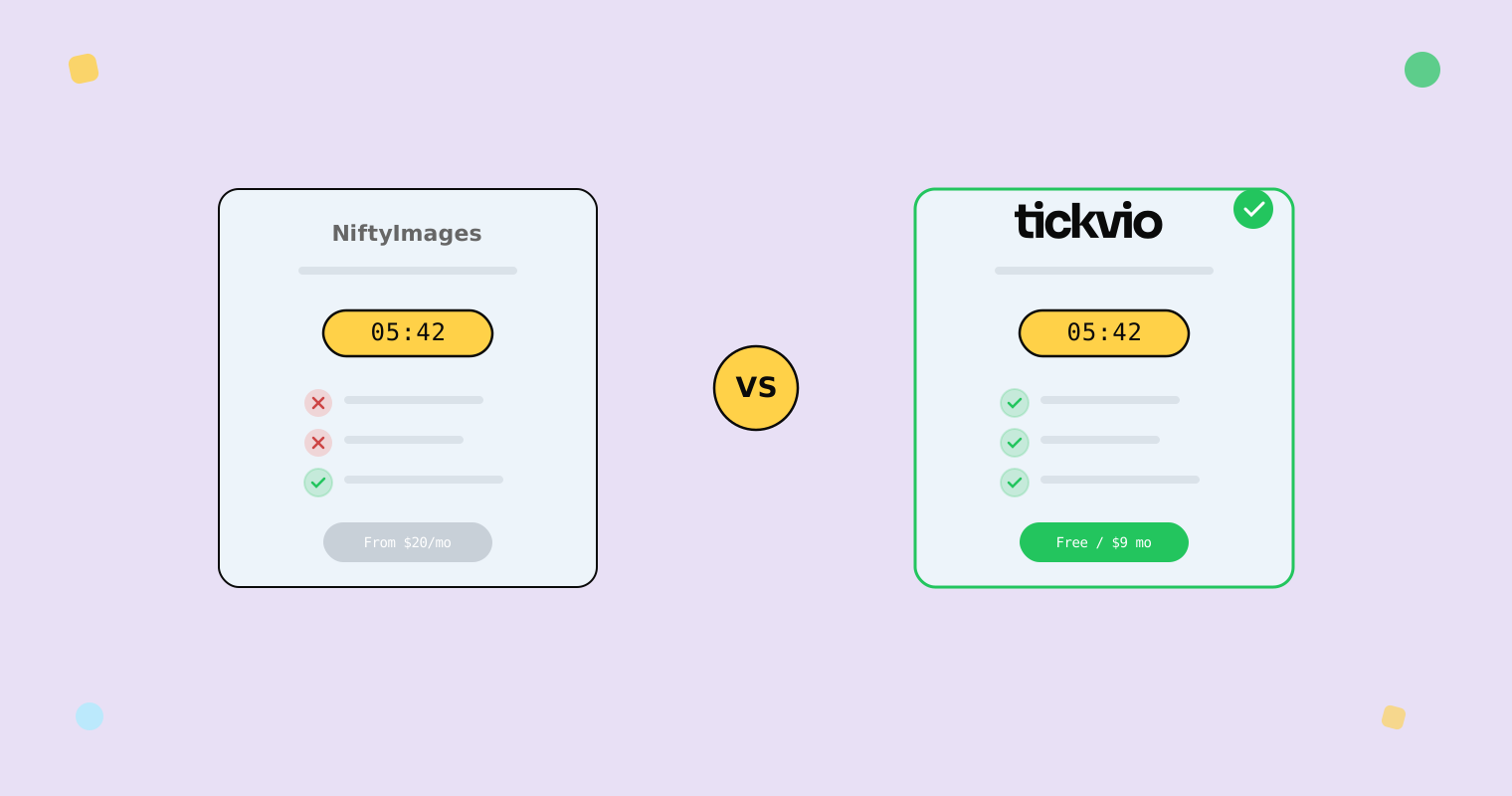
Choosing between NiftyImages and Tickvio for your email countdown timers? Both tools create animated GIF timers for email, but they differ significantly in pricing structure, timer types, expiry handling, and overall approach. This comparison breaks down the practical differences so you can make the right choice for your email programme.
For the full context on what makes a good countdown timer tool, see our best practices guide and deliverability considerations.
Quick comparison
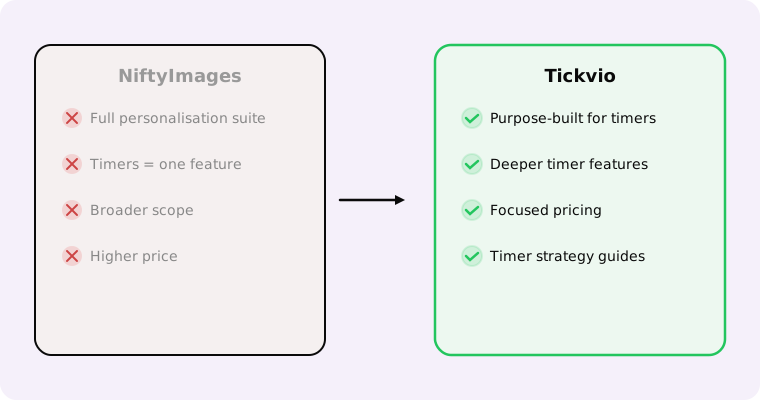
Both tools generate server-rendered countdown timer images that work in any email client. The core differences:
NiftyImages is a broader dynamic content platform that includes countdown timers alongside personalised images, dynamic maps, and social proof widgets. Timers are one feature among many.
Tickvio is purpose-built for countdown timers. It focuses entirely on timer creation, customisation, expiry handling, and analytics — with depth in the areas that matter most for timer-driven campaigns.
Timer types
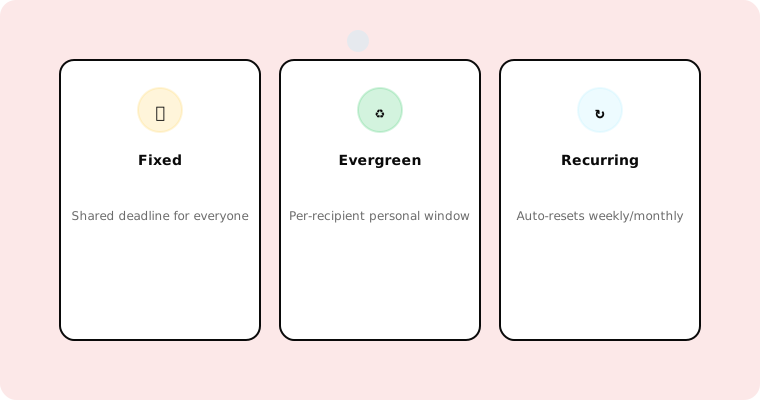
Both support fixed-deadline timers (everyone counts down to the same date). The difference is in advanced timer types:
Tickvio supports all three timer types out of the box: fixed deadline, evergreen (per-recipient deadlines for automated flows), and recurring (auto-resetting for weekly/monthly promotions). Even the free plan includes all three types.
NiftyImages supports fixed and evergreen timers. Recurring timer support varies by plan level.
Evergreen timers are critical for automations — Omnisend's 2025 data shows automated emails drive 30% of email revenue from just 2% of volume. If your strategy includes welcome flows, cart abandonment, or trial expiry sequences, evergreen support is non-negotiable.
Expiry state handling
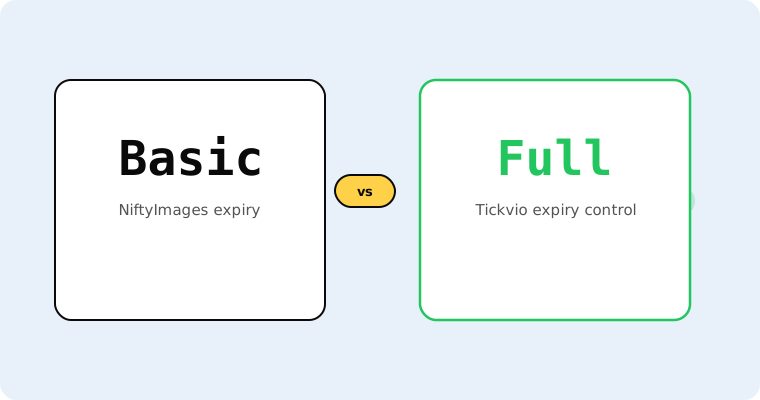
This is where the tools diverge most significantly. According to Litmus research, 1 in 6 marketing emails never reach the inbox on time — so a meaningful percentage of your audience sees the timer after the deadline.
Tickvio provides full expiry state control: replacement images, alternative CTAs, redirect URLs, and custom messages. You configure what late openers see during timer creation, not as an afterthought.
NiftyImages offers basic expiry handling with a "timer expired" message. The level of customisation for the post-expiry experience varies by plan.
Pricing
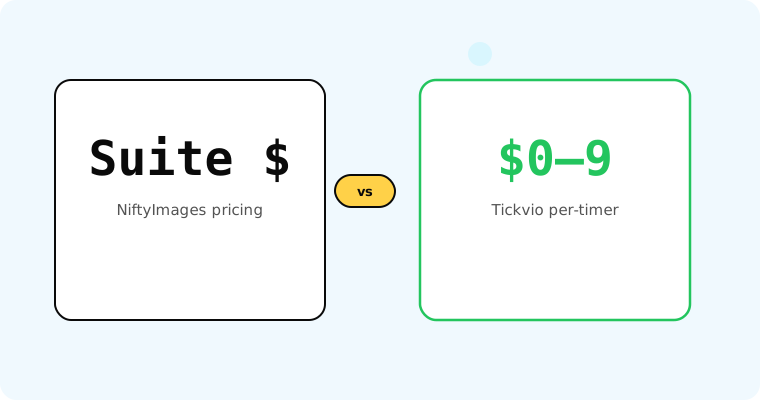
Tickvio offers a free plan with 20,000 views/month, all timer types, full design customisation, and no branding. Paid plans start at $9/month for 150,000+ views.
NiftyImages offers a free tier with limited views and NiftyImages branding on timers. Paid plans start higher and include the broader dynamic content platform features.
If you only need countdown timers (not the broader dynamic content suite), Tickvio typically offers better value. If you need personalised images, dynamic maps, and timers in one platform, NiftyImages' broader feature set may justify the higher price.
Design customisation
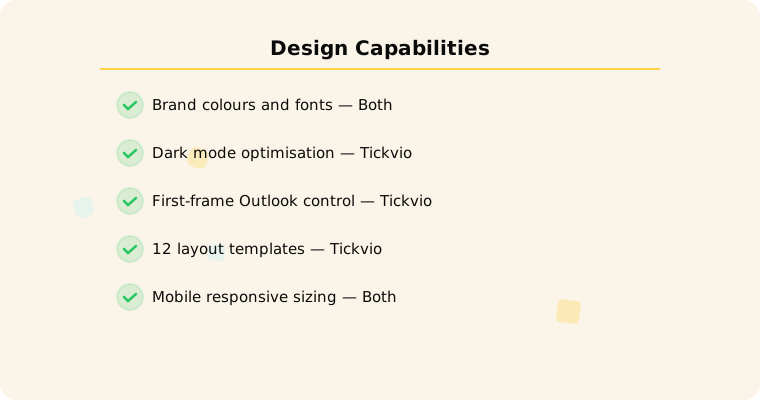
Both tools offer colour, font, and size customisation. Tickvio additionally provides: transparent background support for dark mode compatibility (critical given growing dark mode adoption), first-frame control for Outlook desktop (which shows only the first frame of animated GIFs), and responsive sizing optimised for mobile (where 55% of email opens occur).
ESP compatibility
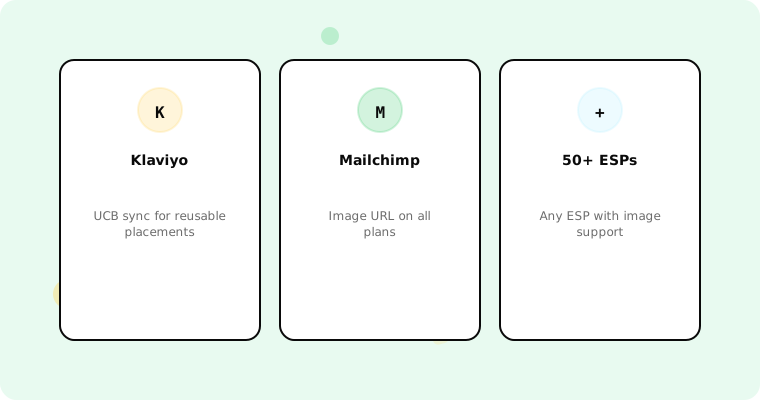
Both tools work with any ESP that supports images — which is all of them. Tickvio offers deeper integrations with popular platforms: Klaviyo (including Universal Content Block sync via the Klaviyo integration), Mailchimp, ActiveCampaign, HubSpot, and 50+ more ESPs.
Inbox support
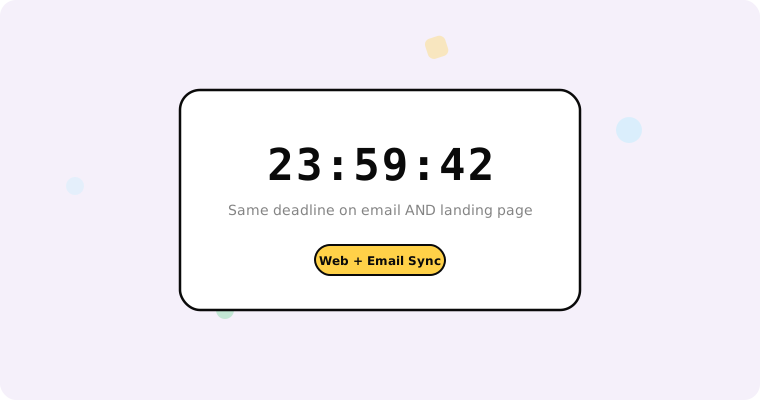
Both tools generate animated GIFs, so inbox support is largely identical — the format determines compatibility, not the tool. The differences come in how each handles edge cases: Outlook desktop static fallback (first frame rendering), Apple Mail Privacy Protection (image preloading), and dark mode rendering. See our inbox support guide for the complete compatibility matrix.
Use case coverage
Tickvio provides detailed use-case guides for specific timer applications: flash sales, cart abandonment, welcome series, product launches, trial expiry, events and webinars, and more. Each includes email flow structures, copy templates, and measurement frameworks.
Analytics
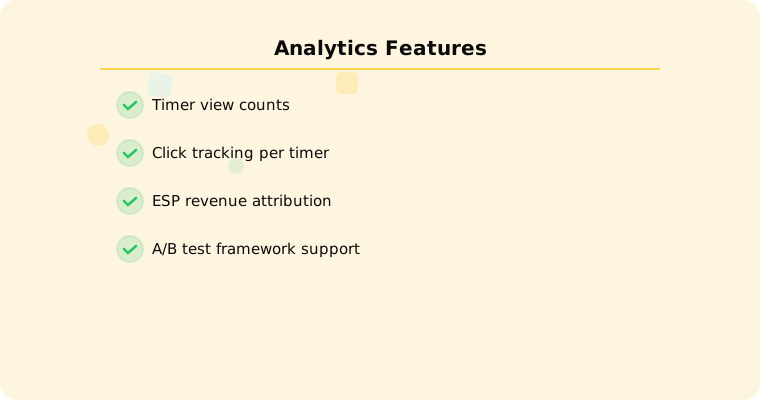
Both tools provide timer view analytics. Tickvio includes view counts, and integrates with ESP conversion tracking for end-to-end measurement. See our measurement guide for how to set up proper attribution.
Bottom line
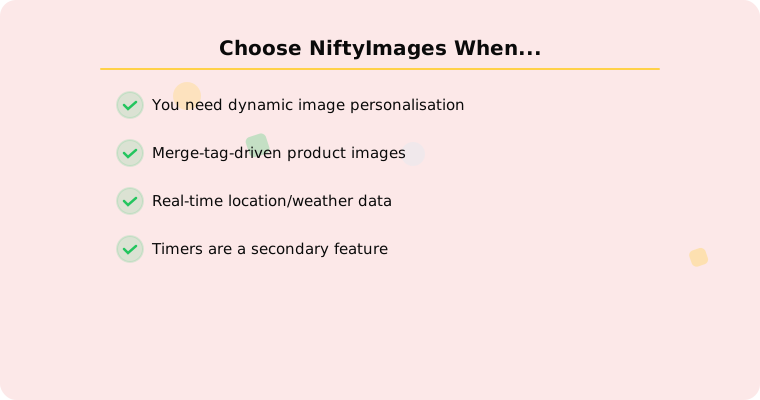
Choose NiftyImages if you need a broader dynamic content platform (personalised images, maps, social proof) alongside countdown timers, and the higher price point fits your budget.
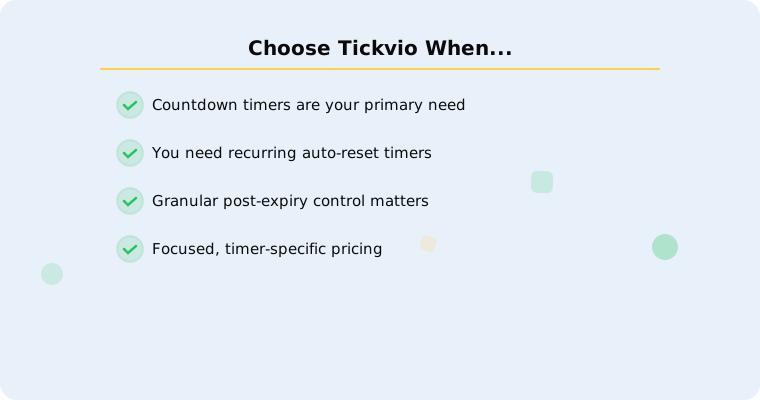
Choose Tickvio if countdown timers are your primary need and you want: the deepest timer-specific feature set, all three timer types on the free plan, comprehensive expiry state control, and the best price-to-feature ratio for timer-focused use cases.
Get started
Try Tickvio free — 20,000 views/month, all timer types, no branding, no credit card. See our inbox support guide and design templates to get the most from your timers.