

Every countdown timer eventually reaches zero. What happens next is one of the most overlooked — and most impactful — decisions in your email countdown strategy.
When a subscriber opens your email after the deadline has passed, the timer image is still requested from the server. The question is: what does the server return? A frozen 00:00:00? A blank space? Or something intentional — a replacement message, an alternative offer, or a redirect to a new landing page?
The answer matters more than most marketers realise. According to Litmus research, 1 in 6 marketing emails never reach the inbox on time. That means a meaningful percentage of your audience — potentially 10–30% of opens — will experience the post-expiry state. How you handle those opens determines whether they become confused bounces or conversion opportunities.
For the complete countdown timer strategy, start with our complete guide.
The default problem: frozen at zero
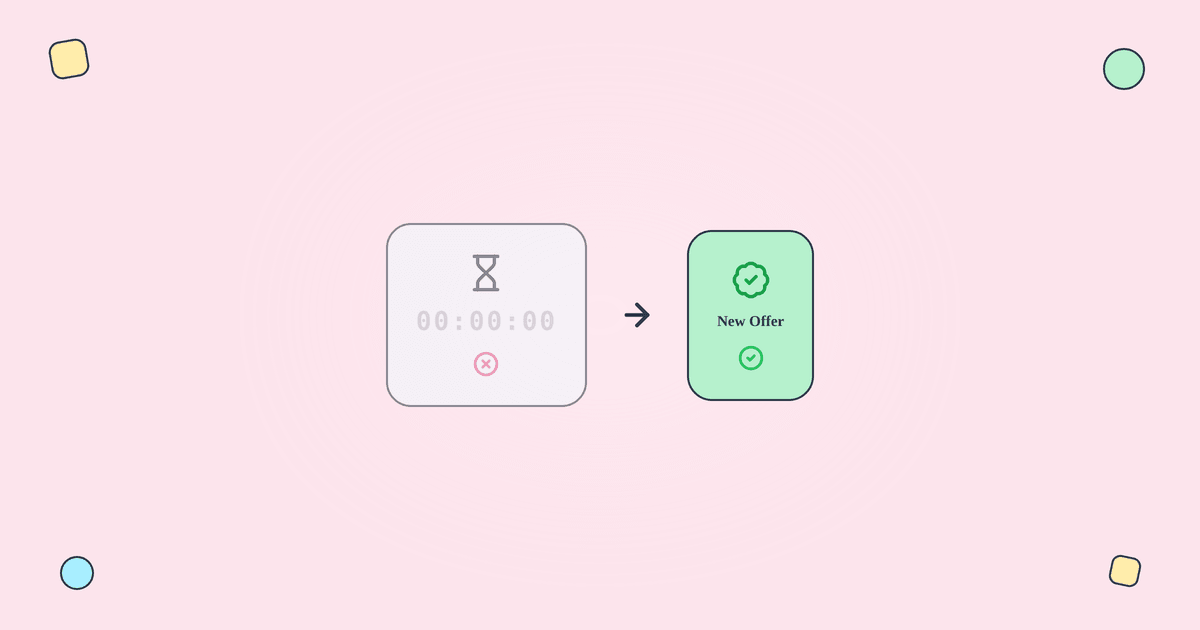
Most free and basic timer tools simply freeze at 00:00:00 when the deadline passes. The subscriber opens the email, sees a timer stuck at zero, and encounters a CTA that leads to a page where the offer no longer exists.
This creates three problems:
Confusion. The subscriber doesn't know what happened. Was the timer broken? Did they miss something? The email provided no context for the dead countdown.
Trust erosion. A frozen timer next to an active "Shop Now" CTA looks like a broken experience — or worse, like fake urgency that was never real. According to OptinMonster research, 59% of consumers say marketing emails influence their purchase decisions. That influence depends on trust.
Wasted opportunity. Late openers are still subscribers who opened your email. They showed intent. A well-designed expiry state can redirect that intent toward a current offer, a full-price purchase, or at minimum a positive brand experience.
Expiry strategies by use case
Flash sales and seasonal promotions
For flash sales and seasonal events:
Timer expiry image: "This sale has ended" with your brand styling. Clean, honest, respectful of the subscriber's time.
Alternative CTA: "Browse new arrivals" or "See current deals." Redirect the intent toward something active.
Landing page sync: The original sale page should show "Sale ended" rather than a 404 or the original offer with a broken discount code. Tickvio's auto-expire feature can redirect the timer URL to a new landing page after expiry.
Cart abandonment
For cart abandonment timers (which create reservation windows):
Timer expiry image: "Your reserved discount has expired" or "Your cart is still saved."
Alternative approach: Instead of offering a discount timer, cart abandonment expiry can shift to a non-discount message: "Your items are selling fast" or "Complete your order before it's gone." This maintains urgency without extending the discount period.
Evergreen automated flows
For evergreen timers in welcome series, trial expiry, and re-engagement flows:
Critical requirement: The expiry state must be truly enforced. The discount code must stop working at the same moment the timer hits zero. The subscriber who tries the code 73 hours into a 72-hour window should get an error — and the expiry message should explain this clearly.
Timer expiry image: "Your personal offer has expired." For trial expiry: "Your trial has ended — upgrade to keep your data."
Events and webinars
For event and webinar countdowns:
Pre-event expiry (registration closed): "Registration is closed. The event starts [date]." Include a link to request notification for the recording.
Post-event expiry: "This event has passed. Watch the recording here." Turn the expired timer into a content distribution opportunity.
Landing page alignment
The expiry state isn't just the timer image — it includes the landing page the CTA links to. When the timer expires:
The email timer shows the expiry message. The CTA link should lead to a page that matches the expiry state (not a 404, not the original offer page with a broken code). If using landing page timers, those should also show the expired state.
Tickvio can redirect the timer's click-through URL to a different landing page after expiry, ensuring the full post-click experience is consistent.
Designing the expiry image
The expiry replacement image should:
Match your brand. Same colours, fonts, and sizing as the active timer. The swap should feel intentional, not broken.
Be clear and honest. "This offer has ended" — no ambiguity. The subscriber should immediately understand the status.
Include an alternative action. "Browse current deals" or "See what's new" gives the subscriber somewhere to go. A dead end wastes the open.
Not apologise excessively. "Sorry you missed it!" can feel patronising. "This offer has ended. See current deals →" is cleaner.
What to measure
Late-opener click-through rate: Do late openers click the alternative CTA? If the rate is near zero, the expiry image isn't compelling enough or the alternative offer isn't relevant.
Late-opener conversion: Do late openers convert on the alternative offer? This is revenue that would have been completely lost without a proper expiry state.
Late-opener unsubscribe rate: If late openers unsubscribe at higher rates than on-time openers, the expiry experience is frustrating rather than helpful. See our measurement guide for the full framework.
Get started
Create a free countdown timer with Tickvio and configure the expiry state during creation — not after you send. Set the replacement image, alternative CTA, and redirect URL before the campaign launches. Works with Klaviyo, Mailchimp, ActiveCampaign, HubSpot, and 50+ more ESPs.