

A subscriber clicks your email. The countdown timer showed 4 hours remaining. They land on your page and… there's no timer. No deadline. No mention of expiry. The urgency evaporates.
Or worse: the landing page has a timer, but it shows a different time than the email. Now the subscriber doesn't trust either one.
Landing page countdown timers are the critical link between email urgency and on-page conversion. If the handoff is broken, the subscriber's motivation — carefully built by the email timer — dissipates at the exact moment you need it most.
And the conversion opportunity is real. According to Envive's analysis of conversion lift data, exit-intent popups with countdown timers achieve 14.41% conversion rates, while cart abandonment popups with timers reach 17.12%. Better checkout design alone can deliver a 35.26% conversion rate increase according to the Baymard Institute. A well-aligned email-to-landing-page timer experience is a key part of that checkout optimisation.
This guide covers how to keep email and landing page timers credible and consistent, building on principles from our best practices guide.
Why the email-to-landing-page handoff matters
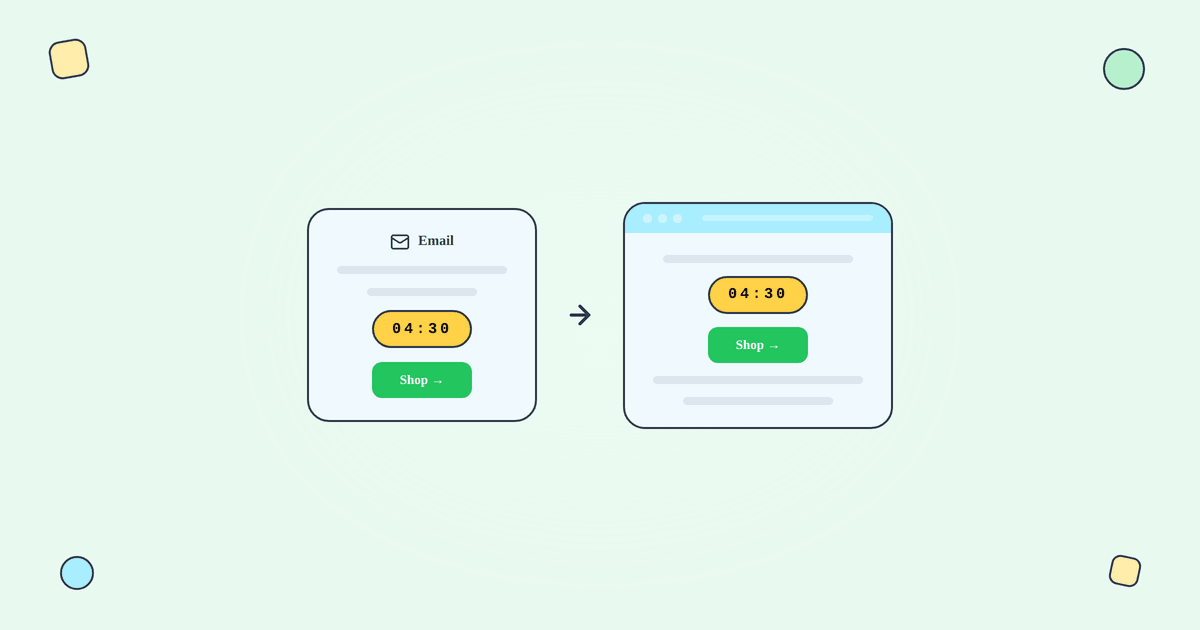
When you put a countdown timer in an email, you're making a promise: this offer expires at a specific moment. The subscriber's decision to click is partly driven by that promise — "I need to act now because the clock is ticking."
If the landing page doesn't acknowledge that clock, you break the promise at the moment of highest intent. The subscriber has clicked (which is the hardest part — the average email click rate is just 2.09% across all industries according to MailerLite's 2025 benchmarks), and you've lost them at the finish line by failing to follow through on the urgency that got them there.
Aligning email and landing page timers
Fixed deadline campaigns
Both email and landing page timers count down to the same deadline. This is the simplest alignment scenario because everyone shares the same cutoff time.
Email timer: A server-rendered animated GIF from Tickvio, counting down to the sale end date. Updates every time the email is opened.
Landing page timer: A JavaScript-based countdown on your website, counting down to the same exact moment. JS timers are more precise than GIF timers because they update every second in real-time, while email GIFs refresh only on each open.
The key: both must reference the same deadline timestamp. If the email timer counts down to "Sunday 11:59 PM EST" and the landing page counts to "Monday 12:00 AM EST," that one-minute discrepancy creates doubt.
Evergreen / per-recipient campaigns
This is more complex. Each subscriber has their own personal deadline (e.g., 48 hours from signup). The landing page needs to know which subscriber clicked and show their deadline — not a shared one.
Options for passing the personal deadline to the landing page:
URL parameters: Append the subscriber's deadline to the CTA link in the email. Example: yoursite.com/sale?expires=2026-04-15T23:59:00Z. The landing page JavaScript reads the parameter and displays the correct countdown. This is the simplest approach and doesn't require cookies.
Cookie-based tracking: Set a cookie when the subscriber first visits (e.g., via the welcome email CTA) that stores their deadline. Subsequent visits reference the cookie. More persistent than URL parameters but requires cookie consent.
Account-based display: If the subscriber is logged in, pull their deadline from your backend. The most accurate method but only works for authenticated users.
Tickvio's web timer feature handles the URL parameter approach automatically. See our features page and evergreen timer guide.
The credibility checklist
Before launching any campaign with countdown timers, verify these four elements:
Deadline consistency: Email and landing page timers show the same deadline. If evergreen, the landing page reflects the individual's window. Test by clicking through your own email and comparing both timers.
Offer consistency: The discount, incentive, or benefit described in the email is clearly present on the landing page. If the email says "30% off" but the landing page shows regular prices with a discount code field, some subscribers will bounce before figuring out the code.
Post-expiry behaviour: After the deadline, the landing page reflects the ended promotion. The discount code stops working. The page shows a clear "This offer has ended" message rather than a dead page or broken timer. Read our post-expiry guide for strategies.
No dark patterns: The timer doesn't reset on page refresh. It doesn't restart for returning visitors. Stock and availability claims are based on real data, not manufactured scarcity.
Common dark patterns to avoid
Dark patterns with countdown timers destroy long-term credibility. Avoid these:
The resetting timer: A JavaScript timer that resets to a full countdown every time the page loads. Every visit shows "23:59:59" regardless of when the sale actually ends. Subscribers notice. A/B tests that show short-term conversion lifts from this tactic always miss the long-term trust damage.
The perpetual sale: The sale "ends" but is immediately replaced with an identical sale. The timer gives the appearance of urgency, but there's never a moment when the product isn't on sale. This is the landing page equivalent of extending a flash sale after the timer expires.
Mismatched urgency: Email says "Last 2 hours!" but the landing page shows "Sale this weekend." Or the email has a timer but the landing page has no mention of any deadline. The inconsistency makes both feel unreliable.
Fake stock counters: "Only 3 left in stock!" displayed alongside a countdown timer when inventory isn't actually limited. Combining fake scarcity with a real deadline undermines the credibility of the real element (the timer).
According to OptinMonster research, 59% of consumers say marketing emails influence their purchase decisions. That influence depends on trust — and dark patterns erode trust faster than urgency can build it.
Mobile considerations
According to Designmodo's 2025 data, 55% of email opens occur on mobile devices. This means the majority of your email-to-landing-page handoffs happen on mobile screens. Ensure:
The landing page is mobile-optimised. A timer that renders beautifully in a desktop email but leads to a non-responsive landing page breaks the experience for the majority of your audience.
The timer is visible above the fold on mobile. Don't bury the timer below three sections of content. The subscriber clicked because of the deadline — confirm it immediately.
The CTA is thumb-friendly. Large, tappable buttons near the timer. On mobile, any friction between "I see the timer" and "I can take action" costs conversions.
What to measure
Landing page bounce rate from email traffic: If subscribers who click through from timer emails bounce at a higher rate than from non-timer emails, the handoff is broken. They expected urgency and found confusion.
Time on page by traffic source: Subscribers arriving from timer emails should be making faster purchase decisions (less browsing, more action). If they're spending more time than non-timer traffic, the urgency message may be inconsistent.
Conversion rate: email timer traffic vs organic traffic: Timer-referred visitors should convert at a higher rate. If not, the email-to-landing-page alignment needs work.
Post-expiry landing page visits: How many visitors arrive after the deadline? This tells you how important your post-expiry page experience is. If it's a significant number, invest in the post-expiry state.
For the complete measurement framework, see our analytics and A/B testing guide.
Get started
Create a free countdown timer for both your emails and landing pages — Tickvio's web timer feature ensures your email GIF and landing page JavaScript count down to the same deadline automatically. One platform, consistent urgency across every touchpoint. No credit card required.