

ActiveCampaign is built for automation-first email marketing — and countdown timers are one of the most effective ways to add urgency to those automated sequences. Whether you're running a flash sale broadcast or a multi-step welcome flow, embedding a live countdown timer takes under two minutes and works within any ActiveCampaign email template.
This guide covers exactly how to add a countdown timer to ActiveCampaign emails, which timer types work for which campaign types, and the automation-specific considerations that make ActiveCampaign different from simpler ESPs.
For the full strategic foundation, see our complete countdown timer guide.
How it works: the 2-minute setup
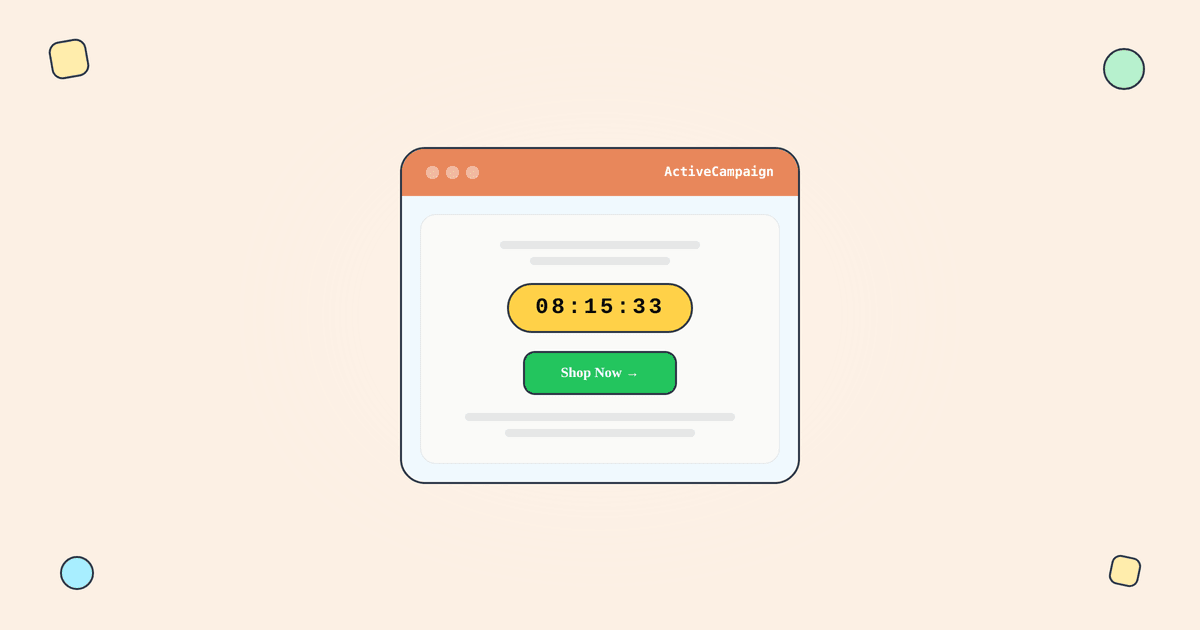
A countdown timer in an ActiveCampaign email is just an image URL. Here's the process:
Step 1: Create a timer in Tickvio. Choose your timer type (fixed deadline, evergreen, or recurring), set the deadline, and customise the design to match your brand.
Step 2: Copy the image URL or HTML embed code.
Step 3: In your ActiveCampaign email editor, add an Image block and paste the Tickvio image URL. Or add a Code block and paste the HTML embed.
Step 4: Send a test email to verify the timer renders correctly.
That's it. When a subscriber opens the email, their email client requests the timer image from Tickvio's server, which calculates the remaining time at that moment and returns a fresh animated GIF. Every open shows the current countdown — no JavaScript, no ActiveCampaign plugins required.
For the technical details of how this works under the hood, see our complete guide.
Which timer type for which campaign
ActiveCampaign supports both broadcast (one-off) campaigns and automations (triggered flows). The timer type you choose depends on which you're using:
Fixed deadline timers for broadcasts
Use a fixed-deadline timer when everyone receives the email at roughly the same time and shares the same deadline. Flash sales, seasonal promotions, event registrations, and product launches all fit here.
Example: "Black Friday sale ends Sunday at midnight" — same deadline for all 50,000 recipients.
Evergreen timers for automations
ActiveCampaign's strength is its automation builder. If you're running a welcome series, cart abandonment flow, trial expiry sequence, or re-engagement campaign, you need an evergreen timer — one that creates a per-recipient deadline based on when each individual enters the flow.
Example: "Your 20% welcome discount expires in 48 hours" — and those 48 hours start from the moment that specific subscriber signed up.
Tickvio's free plan supports evergreen timers out of the box. Set the window duration (24, 48, or 72 hours) and embed the timer URL in your automation email. Each subscriber sees their own personal countdown.
Recurring timers for repeating promotions
If you run weekly deals or monthly promotions in ActiveCampaign, a recurring timer auto-resets on your schedule. No need to create a new timer each cycle.
ActiveCampaign-specific considerations
Automation timing and timer sync
In ActiveCampaign automations, there's a delay between when a subscriber enters the flow and when they receive (and open) the email. If your evergreen timer starts counting from the flow entry time, account for this delay — set the timer window slightly longer than the intended offer period.
Conditional content blocks
ActiveCampaign supports conditional content within emails. You can use this to show the timer only to specific segments — for example, showing a more aggressive countdown to subscribers who haven't purchased, while showing a softer message to existing customers.
A/B testing with automations
Use ActiveCampaign's split testing within automations to test timer vs. no-timer variants. This is the cleanest way to measure the actual conversion impact of your countdown timer. Track click-through rate and revenue per email for both variants over at least 1,000 recipients per arm.
Deliverability considerations
ActiveCampaign has strong deliverability infrastructure, but timers add an external image request. Key points from our deliverability guide:
Tickvio images are served from a high-reputation CDN with proper cache headers. The timer adds minimal weight to your email. Don't use timers in every email — follow our best practices for frequency and placement.
A worked example: an evergreen timer in an automation
ActiveCampaign automations are ideal for evergreen timers. Create a Tickvio evergreen timer with, say, a 72-hour duration for an early-adopter pricing window, and copy the image URL. In your automation email, add an image block above the CTA and paste the URL. Every contact who enters the automation now sees a personal 72-hour countdown starting from their first open — perfect for a trial-expiry nudge or a limited-time upgrade offer that should feel individual rather than broadcast.
For a one-time broadcast to your whole list, use a fixed-deadline timer instead so everyone counts down to the same moment. The same image URL drops into either context — see the ActiveCampaign integration guide for the exact steps.
Common mistakes to avoid
- Fixed dates inside automations. Automations run continuously; a fixed date will expire mid-flow. Reach for an evergreen timer whenever the send is behavior-triggered.
- Timer duration out of sync with wait steps. If a wait step delays the email by two days, make sure the timer's remaining time reflects that so the deadline reads correctly.
- Timer below the CTA. Place the countdown above the button so the urgency is registered before the click decision.
- No expired-state image. Configure what shows after zero so a late opener never sees a dead clock.
Frequently asked questions
Does ActiveCampaign have a countdown timer?
ActiveCampaign doesn't include a native live countdown timer. You add one by pasting an image URL from a tool like Tickvio into any campaign or automation email — no plugin or API required.
Can I use a countdown timer in an ActiveCampaign automation?
Yes. Use an evergreen timer so each contact gets a personal countdown from their first open, which suits trial-expiry, onboarding, and limited-offer automations far better than a shared fixed date.
Will the timer work with conditional content blocks?
Yes. The timer is just an image URL, so it renders inside conditional content, RSS blocks, or anywhere else ActiveCampaign lets you place an image.
Is there a free way to add a timer?
Yes — Tickvio's free plan covers 20,000 views a month, enough to run real campaigns before you upgrade.
Get started
Create a free countdown timer and embed it in your next ActiveCampaign email or automation. Fixed, evergreen, or recurring — all timer types work with ActiveCampaign. No credit card required.