

Klaviyo is the most popular ESP for e-commerce email marketing, and countdown timers are one of the highest-impact additions you can make to Klaviyo campaigns and flows. Whether you're running a Black Friday flash sale or an automated cart abandonment sequence, a live countdown timer makes the deadline visible and creates urgency that drives clicks and conversions.
This guide covers exactly how to add a countdown timer to Klaviyo emails and flows, which timer types to use, and Klaviyo-specific features like Universal Content Blocks that make management easier at scale.
For the full strategic foundation, see our complete countdown timer guide.
How it works: the 2-minute setup
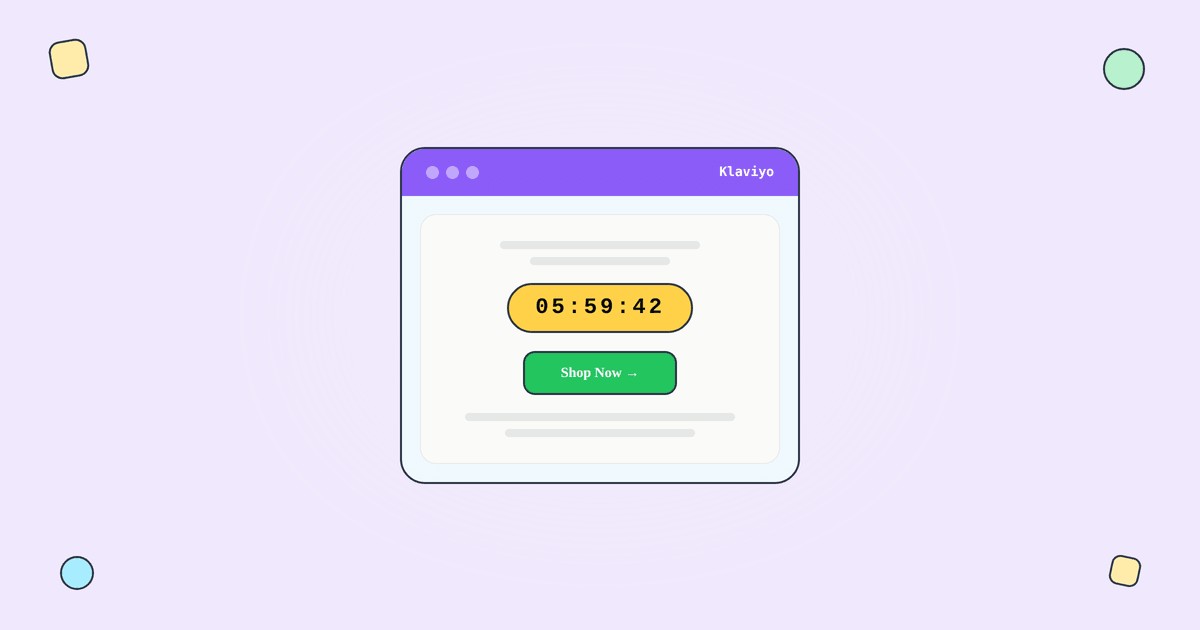
A countdown timer in a Klaviyo email is just an image URL. Here's the process:
Step 1: Create a timer in Tickvio. You can do this through the Klaviyo integration or directly at tickvio.com. Choose your timer type (fixed deadline, evergreen, or recurring), set the deadline, and customise the design.
Step 2: Copy the image URL or HTML embed code.
Step 3: In Klaviyo's email editor, drag in an Image block and paste the Tickvio image URL. Or use a Text block with HTML mode to paste the embed code.
Step 4: Send a test email to preview the timer.
When a subscriber opens the email, Klaviyo's email client requests the timer image from Tickvio's server. The server calculates the remaining time at that exact moment and returns a fresh animated GIF. Every open shows the current countdown.
Which timer type for which Klaviyo use case
Fixed deadline timers for campaigns
Use fixed-deadline timers for Klaviyo campaigns (one-off sends) where everyone shares the same deadline: flash sales, seasonal promotions, product launches, and event registrations.
Evergreen timers for flows
Klaviyo's flow builder is where the biggest revenue opportunity lives. According to Omnisend's 2025 benchmarks, automated emails generate 16× more revenue per send than campaigns. For Klaviyo flows, you need evergreen timers — per-recipient deadlines that start when each subscriber enters the flow.
Key Klaviyo flow use cases for evergreen timers:
Welcome series: "Your 15% signup discount expires in 48 hours." Welcome emails achieve 83.6% average open rates per GetResponse benchmarks — adding a personal timer to this high-attention window maximises conversion.
Abandoned cart: "Your cart is reserved for 24 hours." Cart abandonment emails achieve 39.07% open rates and 23.33% CTR per Analyzify's 2024 data.
Post-purchase upsells: "Add this at 25% off — offer expires in 24 hours."
Win-back / re-engagement: "Your exclusive 20% off expires in 72 hours."
Recurring timers
For weekly deals or monthly promotions sent through Klaviyo campaigns, recurring timers auto-reset on your schedule.
Klaviyo Universal Content Blocks
Klaviyo's Universal Content Blocks let you create reusable email components that update across all emails simultaneously. Tickvio's Klaviyo integration supports syncing timer blocks as Universal Content Blocks, meaning you can:
Create the timer block once and reuse it across multiple flows and campaigns. Update the timer design in one place and have it propagate everywhere. Maintain brand consistency across all timer-containing emails.
Klaviyo-specific tips
Flow timing
In Klaviyo flows, there's a delay between the trigger event and email delivery. If your evergreen timer starts from the trigger time, add buffer to your timer window (e.g., set 50 hours instead of 48) to account for flow processing time.
A/B testing in flows
Use Klaviyo's conditional split to A/B test timer variants. Create two branches: one with the timer email, one without. Compare click-through rates and revenue per recipient over at least 1,000 recipients per branch. See our measurement guide for the full framework.
Expiry state
Configure what late openers see. According to Litmus research, 1 in 6 marketing emails never reach the inbox on time. Set a clear expiry state in Tickvio so late openers see "Offer expired" instead of a frozen 00:00:00.
Deliverability
Klaviyo has excellent deliverability infrastructure. The timer adds a single external image request — served from Tickvio's high-reputation CDN with proper cache headers. Follow our deliverability guide and best practices for frequency and placement.
A worked example: an evergreen cart-abandonment flow
Cart abandonment is where evergreen timers earn their keep in Klaviyo. Build a Tickvio evergreen timer set to a 24-hour duration and copy the image URL. In your Klaviyo abandoned-cart flow email, add an image block above the "Complete your order" button and paste the URL. Now every subscriber who abandons a cart sees a personal 24-hour countdown that starts the moment they open the recovery email — not a shared date that would be meaningless in an always-on flow.
The result is a genuine, individual deadline: "Your cart is held for 23:41:08." For the deeper mechanics, see our guide to cart-abandonment countdown timers. To reuse the same timer across a welcome series or a win-back flow, just paste the URL into those emails too.
Common mistakes to avoid
- Putting a fixed-date timer in a flow. Flows send continuously, so a fixed date expires. Use an evergreen timer for anything triggered by subscriber behavior.
- Mismatched flow delay and timer duration. If your flow email sends 24 hours after the trigger but the timer says "48 hours left," the message is inconsistent. Align the timer duration with your flow timing.
- Not saving the timer as Universal Content. If you reuse a timer across flows, save it as a Klaviyo Universal Content block so one update propagates everywhere.
- Skipping the expired state. Set a clear post-deadline image so late openers don't see a broken clock.
Frequently asked questions
Does Klaviyo have a native countdown timer?
Klaviyo does not include a built-in live countdown timer block. You add one by embedding an image URL from a tool like Tickvio, which works in every Klaviyo campaign and flow with no app install or API connection.
Can I use countdown timers in Klaviyo flows?
Yes — and flows are the best place for them. Use evergreen timers so each subscriber gets a personal countdown from their first open, which is ideal for cart abandonment, welcome, and win-back sequences.
Do timers work with Klaviyo Universal Content?
Yes. Save the timer's image block as Universal Content and reuse it across multiple flows and campaigns; updating it in one place updates it everywhere it's used.
Do countdown timers hurt Klaviyo deliverability?
No. Tickvio timers are lightweight image URLs that render on open — they don't add weight or trip spam filters, and the engagement they drive tends to help placement. See our Klaviyo integration guide for setup detail.
Get started
Create a free countdown timer and embed it in your next Klaviyo campaign or flow. Use the Klaviyo integration for Universal Content Block sync, or simply paste the image URL into any Klaviyo email. No credit card required.