

If you've been using Sendtric for email countdown timers and are hitting its limitations, you're not alone. Sendtric is one of the most well-known free timer generators, and for a basic fixed-deadline timer, it works. But as your email programme grows beyond one-off campaigns into automations, multi-channel flows, and professional brand experiences, the gaps become visible quickly.
This guide compares Sendtric with Tickvio across the dimensions that matter most: timer types, expiry handling, design control, branding, and pricing — so you can decide whether it's time to switch.
What Sendtric does well
Sendtric is completely free, requires no account, and generates a basic countdown timer in seconds. For a marketer who needs a quick fixed-deadline timer for a single flash sale email, it's the fastest path from zero to embedded timer.
It works. The timer renders as an animated GIF, displays in any email client that supports images, and counts down to your specified deadline. For a first test of whether countdown timers improve your campaign performance, Sendtric is a perfectly reasonable starting point.
Where Sendtric falls short
No evergreen timers
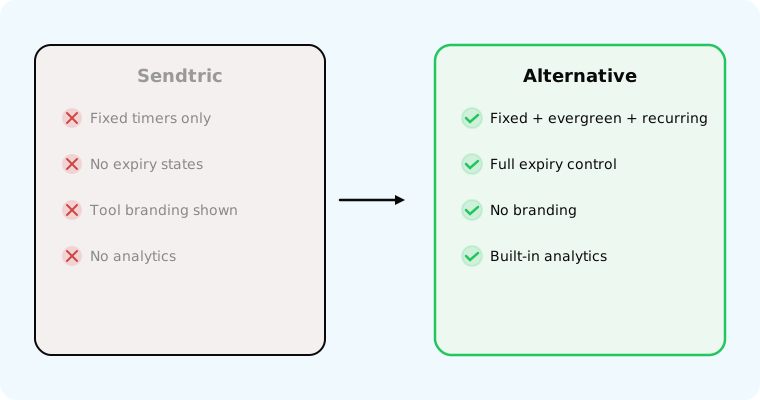
Sendtric only supports fixed-deadline timers — everyone counts down to the same shared date. This means it doesn't work for automated flows where each subscriber needs a personal deadline.
This is the biggest limitation. According to Omnisend's 2025 benchmarks, automated emails drive 30% of all email revenue from just 2% of volume. Welcome series, cart abandonment, trial expiry, and win-back flows all need per-recipient deadlines — and Sendtric can't do this.
No expiry state
When the deadline passes, Sendtric shows a frozen 00:00:00 timer. There's no replacement image, no alternative CTA, no redirect — just a dead countdown.
According to Litmus research, 1 in 6 marketing emails never reach the inbox on time. That means a meaningful percentage of your audience sees a frozen, meaningless timer. With proper expiry handling, late openers see a clear message or alternative offer instead.
Sendtric branding
Sendtric displays its own branding on or near the timer. For professional email marketing where brand consistency matters, third-party logos on your timer undermine the design.
Limited design control
Basic colour options with limited font, sizing, and background control. No dark mode optimisation, no first-frame control for Outlook, and no responsive sizing for mobile.
No analytics
Sendtric provides no timer view counts, click tracking, or performance data. You can't measure whether the timer actually improved your campaign without external tracking.
No recurring timers
If you run weekly deals or monthly promotions, you need to create a new timer each cycle. Tickvio's recurring timers auto-reset on your schedule.
Tickvio vs Sendtric: feature comparison
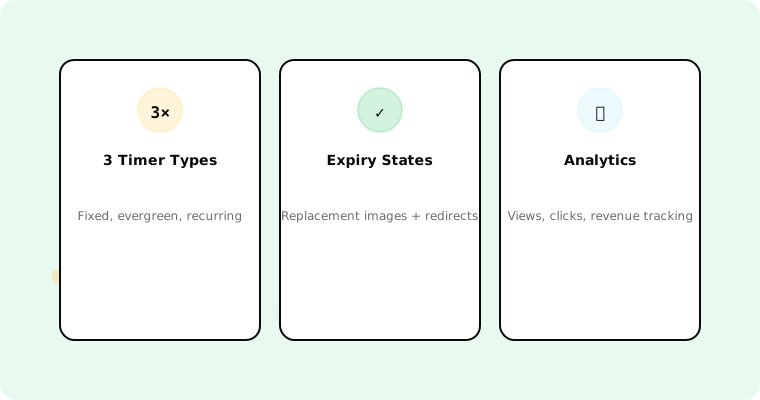
Timer types: Sendtric offers fixed only. Tickvio offers fixed, evergreen, and recurring — all on the free plan.
Expiry state: Sendtric shows frozen 00:00:00. Tickvio offers full expiry control — replacement images, alternative CTAs, redirects.
Branding: Sendtric displays its branding. Tickvio has no branding on any plan, including free.
Design: Sendtric has basic customisation. Tickvio offers full colour, font, size, background, dark mode, and Outlook first-frame control.
Analytics: Sendtric offers none. Tickvio includes view analytics and ESP integration for conversion tracking.
ESP integrations: Both work with any ESP via image URL. Tickvio additionally offers direct integrations with Klaviyo (including Universal Content Block sync), Mailchimp, ActiveCampaign, HubSpot, and 50+ more.
Pricing: Sendtric is completely free with unlimited usage (but limited features). Tickvio's free plan includes 20,000 views/month with full features. Paid plans start at $9/month.
When to switch from Sendtric
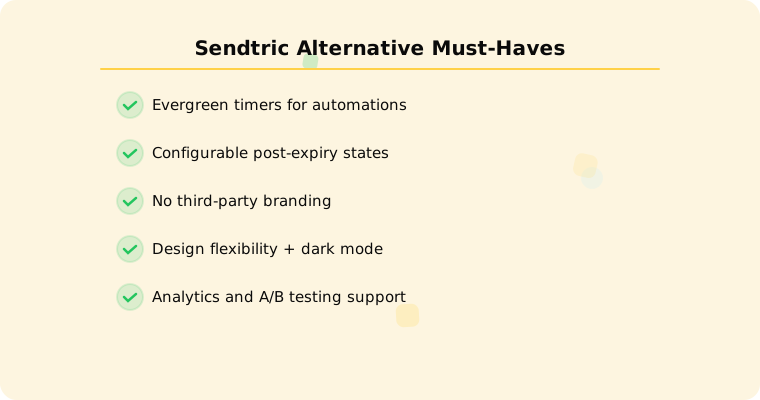
Switch when any of these apply:
You need automations. Welcome flows, cart abandonment, trial reminders — all require evergreen timers.
Late openers matter. If 10–30% of opens happen after the deadline, a frozen 00:00:00 is a poor experience.
Professional design matters. Third-party branding on your timer signals a low-budget operation.
You need data. Without analytics, you're guessing whether the timer helps.
You run recurring promotions. Manually creating a new Sendtric timer every week is unsustainable.
Migration is instant
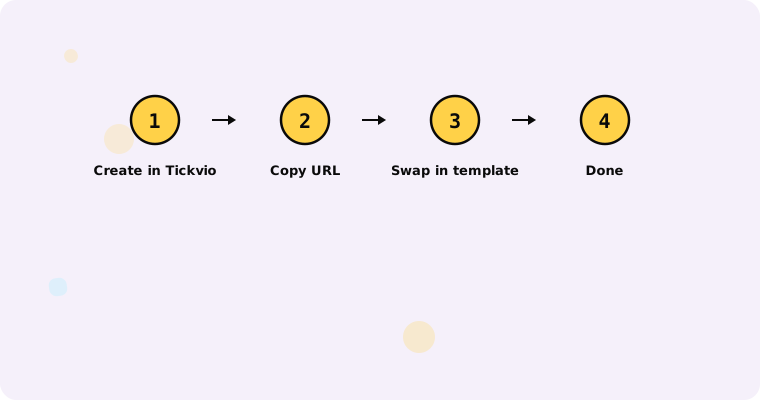
Switching from Sendtric to Tickvio takes about two minutes per timer. Create the same timer in Tickvio (with the added benefit of expiry state, design control, and analytics), copy the new image URL, and replace the old Sendtric URL in your email template. No code changes, no ESP migration — it's a URL swap.
Get started
Create a free Tickvio timer — 20,000 views/month, all three timer types, no branding, no credit card. Replace your Sendtric timer URL and immediately gain evergreen support, analytics, and professional expiry handling.