

A flash sale without a countdown timer is like a deadline without a clock — the urgency exists, but it's invisible. This playbook gives you the complete 7-email flow with timer placement, urgency copy frameworks, and post-expiry handling.
The data supports the approach. According to Omnisend's 2025 benchmarks, automated urgency-driven emails generate $2.87 per email compared to $0.18 for standard scheduled campaigns — a 16× difference. And email click-to-conversion rates jumped 53% year-over-year in 2024, meaning the subscribers who do click are increasingly likely to buy. A countdown timer amplifies both metrics by making the deadline visible and immediate.
This playbook builds on the principles from our complete countdown timer guide and best practices.
The 7-part flash sale email sequence
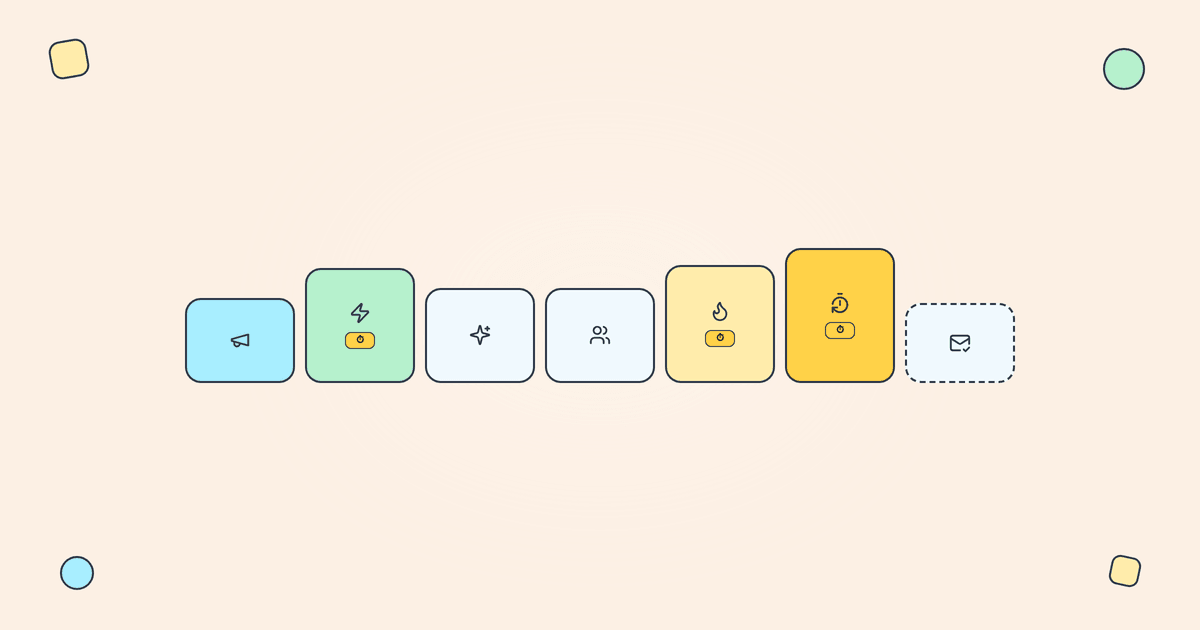
Email 1: Early announcement (48–72 hours before)
Purpose: Build anticipation. No timer yet — it's too early for countdown urgency to feel relevant.
Content: Tease the sale. Mention exact dates and times. Set expectations: "Our biggest sale of the year starts Friday at noon." Include a "save the date" CTA or calendar reminder link.
Timer: None. Save it for when the window is actionable.
Email 2: Sale launch (hour zero)
Purpose: Announce the sale is live. This is the anchor email of the sequence.
Content: Sale details, featured products or categories, and the headline offer. "30% off everything — ends Sunday at midnight."
Timer: Hero position — full width, directly below the headline. This is the first time subscribers see the countdown, so make it prominent. Use a fixed deadline timer counting down to the exact end of the sale.
Email 3: Best sellers / curated picks (12–24 hours in)
Purpose: Give subscribers a reason to browse. The launch email created awareness; this one creates desire.
Content: Curated product selections, best sellers, staff picks, or category highlights. "Here's what's flying off the shelves."
Timer: Companion position — above the CTA, not as the hero. The products are the focus; the timer adds background urgency without dominating.
Email 4: Social proof / momentum (midpoint)
Purpose: Show that others are buying. Social proof reduces decision anxiety.
Content: "2,400 orders in the last 12 hours" or "Our best-selling [Product] is down to 50 units." Combine social proof with real-time popularity signals.
Timer: Inline position — between the social proof section and the CTA. Subtle but present. The urgency comes from both the timer and the social evidence.
Email 5: Last chance (6–12 hours remaining)
Purpose: Create explicit urgency. This is the "act now" email.
Content: "Last chance — 30% off ends tonight." Short, direct copy. No browsing suggestions — this email is about action, not exploration.
Timer: Hero position again. The countdown is now showing hours, not days, which feels viscerally more urgent. According to Envive's conversion data, exit-intent triggers with countdown timers achieve 14.41% conversion rates — visual deadlines create real urgency that drives purchases.
Email 6: Final hour (60–90 minutes remaining)
Purpose: Push fence-sitters over the edge. Only send to non-purchasers.
Content: Minimal. "60 minutes left. [TIMER]" and a single CTA button. The timer is the email. No product images, no browsing links, no distractions. According to Analyzify research, campaigns using three or more emails in a sequence generate significantly higher revenue ($24.9 million) compared to single-email campaigns ($3.8 million) — the late-sequence urgency email is often the highest converter.
Timer: Full-width hero. The entire email is built around the countdown. This is the highest-conversion email in most flash sale sequences.
Segmentation: Exclude anyone who already purchased during the sale. Sending a "60 minutes left" email to someone who bought yesterday is poor experience.
Email 7: Post-expiry / wrap-up (1–6 hours after)
Purpose: Close the loop. Show the sale had real consequences.
Content: "The sale has ended — here's what sold out" or "Thanks for shopping — here's what's coming next." This email reinforces that the deadline was real, which builds credibility for your next timer campaign.
Timer: None. The sale is over. This is where your post-expiry strategy matters — subscribers who open earlier timer emails after the sale ends should see a clear "This sale has ended" message via Tickvio's auto-expire feature.
Urgency copy frameworks
The timer creates visual urgency, but the copy determines what action subscribers take. Here are three frameworks that pair well with countdown timers:
The "what you'll miss" frame
"30% off ends in [TIMER]. After midnight, everything returns to full price. No extensions, no exceptions." Focus on loss, not gain — behavioural research consistently shows people are more motivated by what they'll lose than what they'll gain. The timer makes the loss timeline visible.
The "specificity" frame
"This offer ends at 11:59 PM EST tonight." The more specific the deadline, the more credible the urgency. Vague deadlines ("hurry!", "limited time") feel manufactured. Specific deadlines with a ticking timer feel real. According to MailerLite's 2025 benchmarks, the average email click rate across all industries is just 2.09% — a specific, ticking deadline gives subscribers a reason to be among the 2% who click.
The "consequence" frame
"When the timer hits zero, the discount code stops working. No extensions, no "extended by popular demand" follow-ups. This is it." Tell subscribers exactly what changes after zero — and mean it. Follow our best practices on ethics.
Timer consistency across the flow
Every timer in the sequence must point to the same expiry moment. If Email 2 counts down to Sunday midnight, Email 5 must count down to the same Sunday midnight — not a different deadline.
With Tickvio, you create one timer URL and use it across all emails. The countdown updates automatically each time a subscriber opens. One URL, one deadline, seven emails.
The landing page must show the same deadline too. If the email says "6 hours left" but the product page shows no urgency, trust breaks at the moment of highest intent. Use a JavaScript timer on your landing page counting to the same moment.
Post-expiry handling for the whole sequence
After the sale ends, all seven emails still live in subscribers' inboxes. Someone might open Email 2 three days later. What do they see?
If you've configured Tickvio's expiry state, they see a clear "This sale has ended" message with an optional redirect link. Without an expiry state, they'd see a frozen 00:00:00 timer with a link to a full-price product page — a poor experience that undermines your next sale.
Full post-expiry strategies in our post-expiry guide.
Industry-specific flash sale patterns
The 7-email structure adapts to different industries:
Fashion and apparel: Seasonal clearance, new arrival drops, VIP early-access windows. Timer emphasis on Emails 2, 5, and 6.
Consumer electronics: Product launch countdowns, Black Friday doorbusters. Heavy social proof in Email 4 ("3,000 units sold in 2 hours").
Food and beverage: Limited-edition releases, seasonal menus. Shorter windows (24–48 hours) with a condensed 4–5 email sequence.
Beauty and cosmetics: Gift-with-purchase deadlines, holiday sets. Strong visual merchandising in Emails 3 and 4.
SaaS: Annual pricing events, upgrade windows. Emphasis on "what you'll lose" framing and trial extension incentives.
What to measure across the sequence
Track these metrics to evaluate the flash sale flow as a whole:
Revenue per email by position: Which email in the sequence drives the most revenue? Typically Emails 5 and 6 (the urgency emails), but confirm with your data.
Conversion rate by email: CTR without conversion means curiosity clicks, not purchase intent. Both need to move together.
Unsubscribe rate by email: If specific emails drive disproportionate unsubscribes, the frequency or urgency is too high at that point in the sequence. The average unsubscribe rate in 2025 is 0.22% according to MailerLite's benchmarks — anything significantly above that for a single email warrants investigation.
Sequence completion rate: What percentage of subscribers receive all 7 emails? If most unsubscribe or purchase by Email 3, your sequence may be too long for your audience.
Post-sale repeat purchase rate: Do flash sale buyers come back at full price? This is the long-term health metric. A flash sale that brings in one-time bargain hunters but no long-term customers isn't building your business.
For the complete measurement framework, see our analytics and A/B testing guide.
Get started
Create a free flash sale timer — set your deadline, customise the design to match your brand, configure the expiry state, and copy the image URL into your email template. One timer URL works across all seven emails in your sequence. Works with Klaviyo, Mailchimp, ActiveCampaign, HubSpot, and 50+ more ESPs. No credit card required.